How to Create a Functional and Beautiful Home Office
25 October 2026
A home office has a harder job than most rooms in a house. It has to support sustained concentration, survive video calls, absorb paperwork and equipment, and still look like a place a person wants to spend eight hours. Most guides treat those goals as separate problems: one article about ergonomics, another about styling. In practice, they compete for the same square meters, the same budget, and the same wall. The skill is in the trade-offs.
This guide is about those trade-offs. It covers how to choose a location, plan the layout, handle light and sound, select furniture that earns its footprint, manage cables and storage, and finish the room without making it look staged. It also covers the mistakes that are easy to make and expensive to undo. The advice assumes real constraints: limited space, a finite budget, and a room that may need to serve another purpose on weekends.
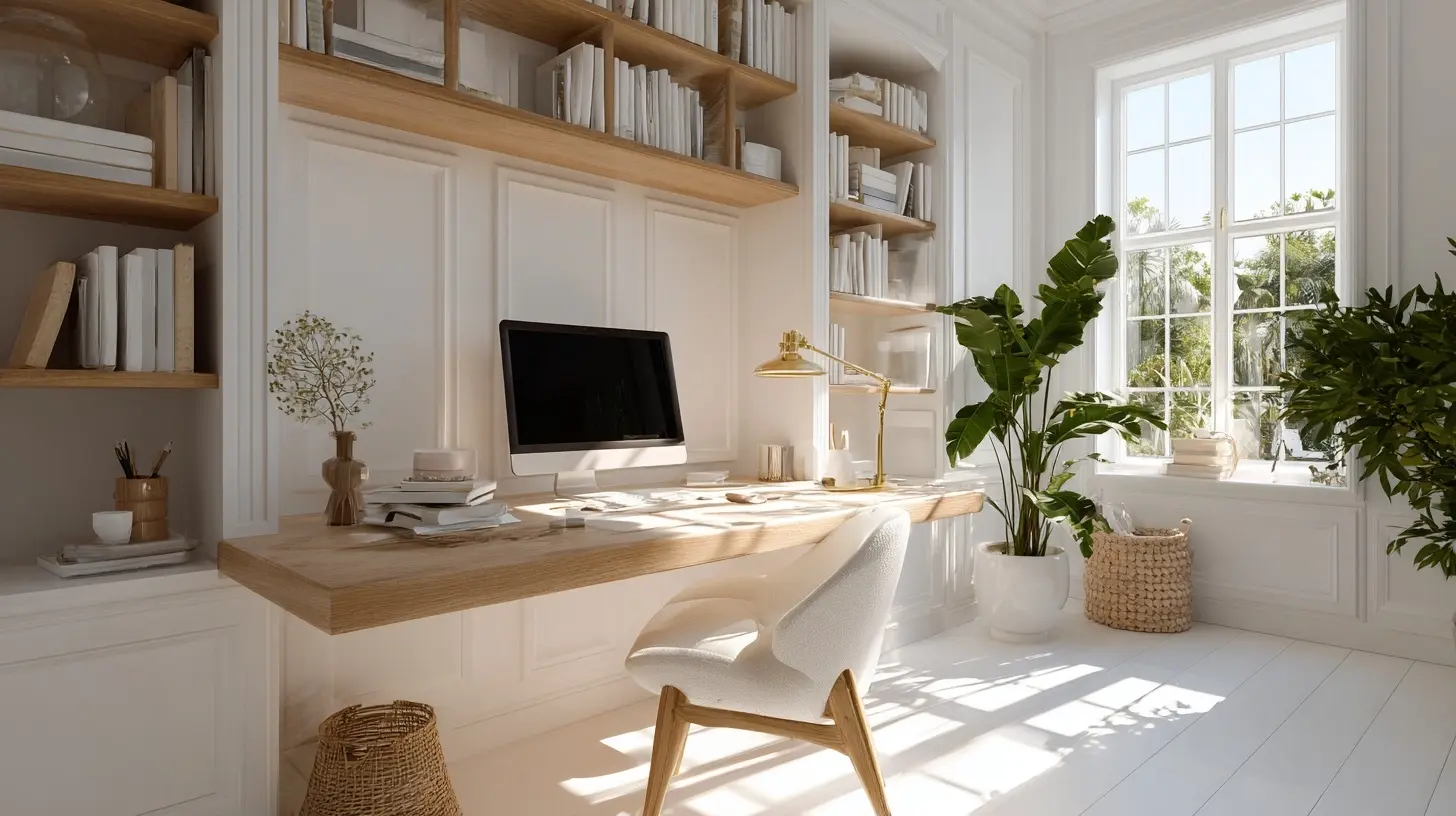
Start With the Work, Not the Room
Before measuring a single wall, write down what actually happens in the office during a typical week. Not the idealized version, the real one. How many hours of deep, focused work? How many video calls, and are they internal or client-facing? Is there equipment beyond a laptop, such as a second monitor, a printer, a microphone arm, or reference materials? Does anyone else use the space?This matters because the answers change the design. A person who takes four client calls a day needs a background that reads as professional and acoustic treatment that prevents echo. A person who writes for a living needs silence and a door that closes far more than a styled bookshelf. A household with two remote workers needs two viable workstations or a clear scheduling system, not one desk with a chair pulled over.
A useful exercise is to list the five tasks you do most often and rank them by how much the environment affects them. Deep analytical work is highly sensitive to interruption and noise. Administrative tasks are more forgiving. Creative work often benefits from visual variety. Design for the two most sensitive tasks and let the rest follow. Trying to optimize for everything at once usually produces a room that is mediocre at all of them.
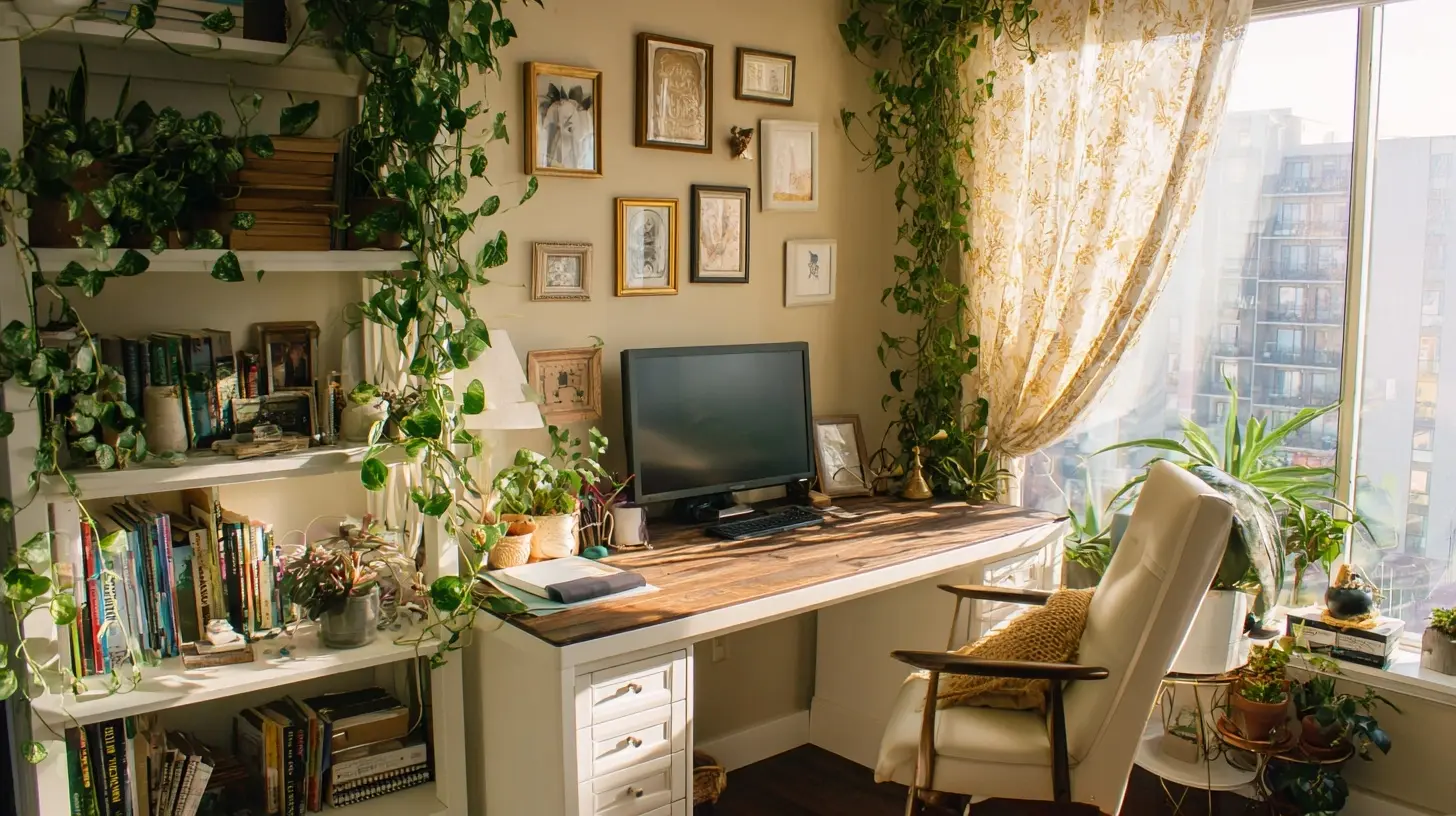
Choosing the Right Location
The single most consequential decision is where the office goes, and it is usually made too quickly. The default choice, a spare bedroom, is often correct, but not always. Three factors should drive the decision.Separation from household traffic. A desk in the corner of a living room can work, but only if the household understands boundaries. The test is not whether you can concentrate today. It is whether you can concentrate when someone is vacuuming, watching television, or hosting guests. If the answer is no, the office needs a door or a schedule that everyone respects.
Natural light and screen glare. A window is valuable, but placing a desk so the window is directly behind the monitor creates glare and forces you to squint. Placing it directly in front of the window means staring into brightness all day. The better arrangement is usually a desk perpendicular to the window, so light falls across the work surface from the side.
Distance from the rest of life. A home office that sits between the kitchen and the living room will be interrupted constantly. A room at the end of a hallway, or on a separate floor, signals to everyone, including you, that work happens there. This psychological separation is not a luxury. It is what allows you to leave work at the end of the day, which matters more for long-term sustainability than most people expect.
If a dedicated room is not available, a converted closet, an alcove under a staircase, or a screened-off section of a bedroom can all work. The key is to create a consistent physical boundary. A desk that gets packed away every evening sounds flexible, but in practice the friction of setting up and tearing down erodes the habit of working there. If you must share a space, choose a spot where the desk can stay in place and be visually concealed with a curtain or folding screen.
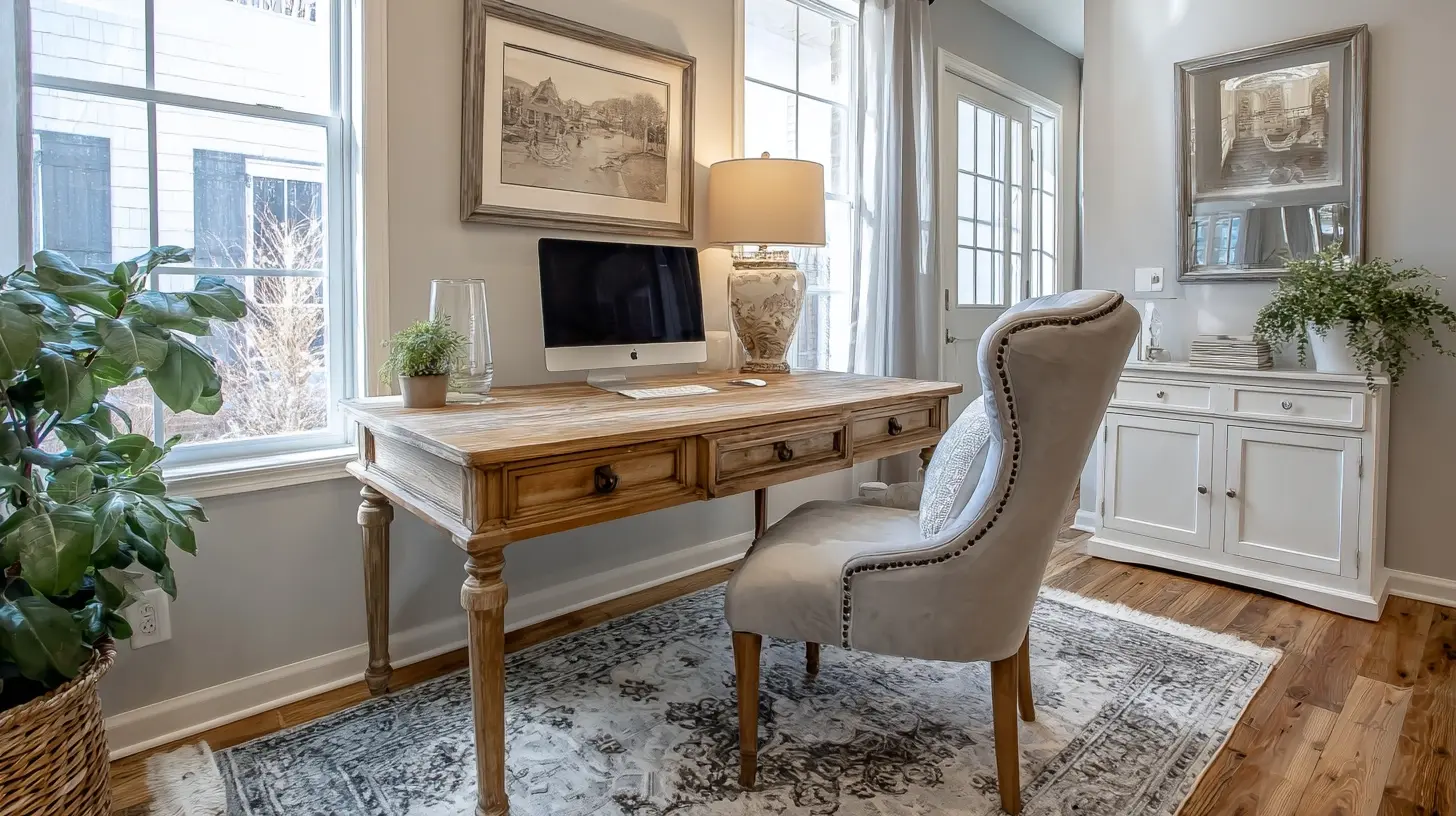
Layout: Circulation, Zones, and the Desk Position
A functional office has three zones: the work zone (desk, chair, monitor), the storage zone (files, supplies, equipment), and the reference zone (anything you need to consult while working, such as a whiteboard, printer, or second screen). These zones should be arranged so you can reach what you need without standing up repeatedly, but they should not crowd the work zone.The most common layout mistake is pushing the desk against a wall and facing that wall. It saves space, and it is fine for a small nook, but it limits your field of view and makes the room feel like a cubicle. Where space allows, place the desk so you face into the room or toward a door, with the wall behind you. This gives you a sense of control over the space and makes video calls look natural, because the background becomes the room rather than a blank wall.
Leave at least 90 centimeters of clear space behind the chair for pushing back and standing up. This is a minimum, not a target. If the chair backs onto a wall, you will unconsciously avoid full recline, and the chair's ergonomic design will be wasted. In tight rooms, a desk with a shallow depth of 60 centimeters paired with a wall-mounted monitor arm can free up enough floor space to make this work.
For shared or dual-purpose rooms, use furniture to define the office zone rather than walls. A low bookshelf placed perpendicular to the desk, a rug that marks the work area, or a change in flooring all create a visual boundary that helps both you and the rest of the household treat the space differently.
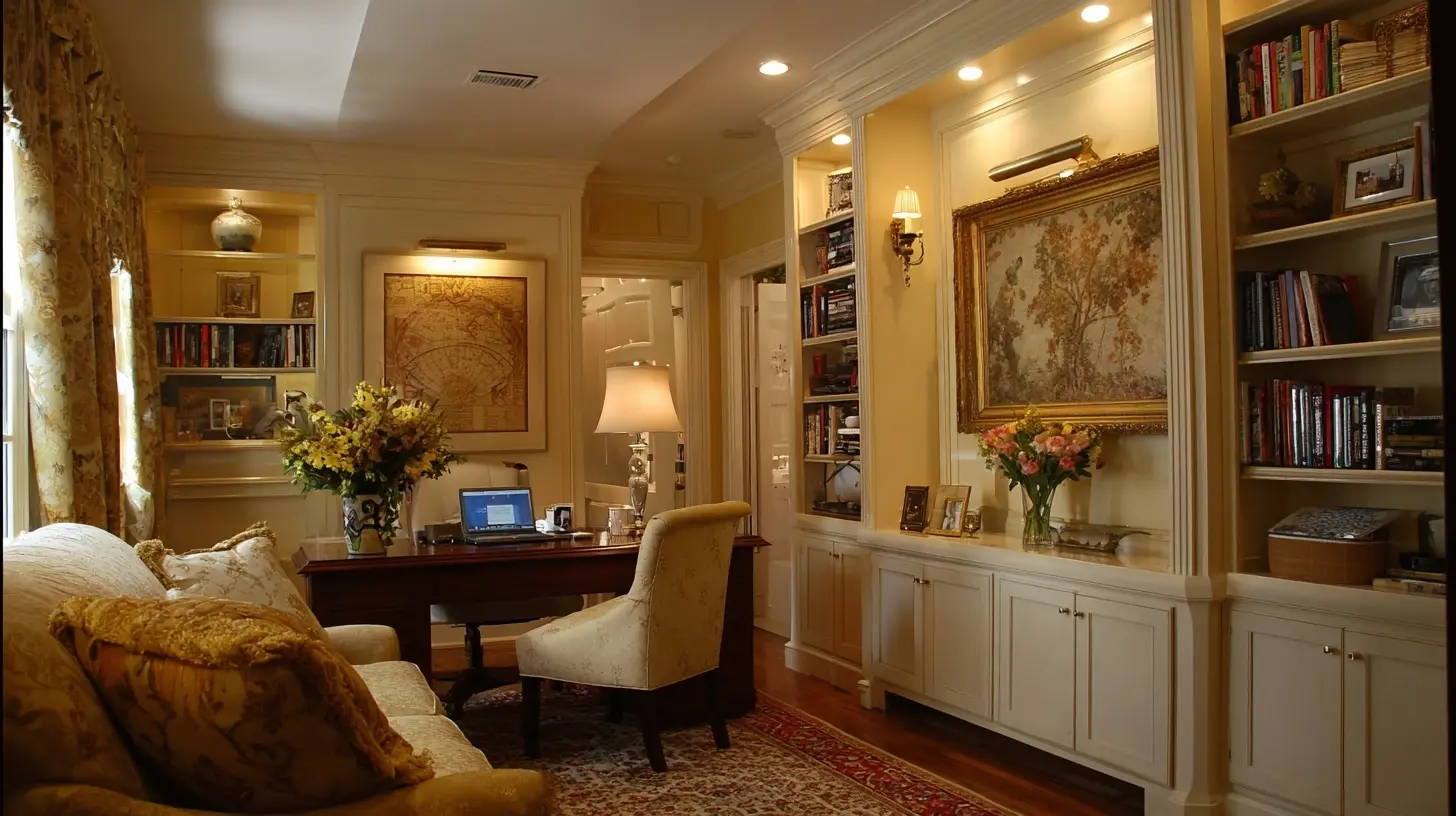
Light: The Layer Most People Get Wrong
Lighting is where beauty and function overlap most directly, and it is where most home offices fail. A single overhead fixture produces flat, shadowy light that is hard on the eyes and unflattering on camera. The fix is layering.Ambient light fills the room. A ceiling fixture or a pair of floor lamps bouncing light off the ceiling works. Avoid bare bulbs in the line of sight.
Task light illuminates the work surface. A desk lamp with an adjustable arm, positioned to the side of your dominant hand so it does not cast a shadow over what you are writing, is the standard solution. LED lamps with adjustable color temperature are now widely available and genuinely useful: cooler light (around 4000K to 5000K) supports alertness during the day, while warmer light (around 2700K to 3000K) is easier on the eyes in the evening.
Accent light adds depth and warmth. A small lamp on a shelf, a picture light, or a floor lamp in a corner prevents the room from feeling like a fluorescent-lit cubicle after dark. This is not decoration for its own sake. A room with varied light sources is easier to relax in, which matters if the office doubles as a reading nook or guest space.
For video calls, the rule is simple: light your face, not the wall behind you. A window in front of you is ideal during the day. In the evening, a desk lamp angled toward you, or a small ring light placed behind the monitor, will do more for your on-camera appearance than any camera upgrade. Backlighting, where a bright window sits behind you, turns you into a silhouette. If you cannot avoid it, close the blinds and rely on artificial light.
Sound: The Invisible Variable
Acoustics rarely appear in home office guides, yet noise is one of the most common reasons people abandon a workspace. Hard floors, bare walls, and large windows create reflections that make calls echo and make concentration harder.The cheapest intervention is soft furnishings. A rug, curtains, upholstered seating, and a bookshelf full of books all absorb sound. A room with none of these will sound hollow. If you take frequent calls, consider acoustic panels on the wall behind your monitor, which reduces the sound bouncing back into your microphone. This is a real improvement, not a placebo.
For noise coming in, a solid door with weatherstripping helps more than most people expect. White noise machines or a fan can mask intermittent sounds like traffic or a neighbor's dog. Headphones with active noise cancellation are effective for the listener but do nothing for the people on the other end of the call, so pair them with a microphone that rejects background noise.
Furniture: Where Money Is Worth Spending
The chair is the most important purchase in the room, and it is the one people most often try to save on. A good office chair supports the lower back, allows the seat height and armrests to be adjusted, and encourages movement. The common misconception is that an expensive chair is automatically better. What matters is fit: seat depth should leave two to three fingers of space behind your knees, the seat height should let your feet rest flat on the floor, and the backrest should support the curve of your lower spine.If a proper ergonomic chair is out of budget, a firm cushion and a lumbar roll on a basic chair can bridge the gap, but they are a compromise. A standing desk is a genuinely useful option, not because standing all day is healthy (it is not), but because the ability to alternate between sitting and standing reduces stiffness. The best pattern is to change posture every 30 to 45 minutes rather than to stand for hours. If a full standing desk is too expensive, a desk converter that sits on an existing desk achieves most of the benefit for a fraction of the cost.
The desk itself should be stable. A wobbly desk is a constant low-grade irritation and makes typing unpleasant. Depth matters more than width for most setups: 70 to 80 centimeters of depth accommodates a monitor at a comfortable viewing distance, while a 60-centimeter desk often forces the screen too close. If space is tight, a wall-mounted monitor arm reclaims desk depth.
Storage and Cable Management
Clutter accumulates in home offices faster than in any other room because the office absorbs everything without a clear home: mail, chargers, notebooks, cables, and the miscellaneous items that get dumped on the nearest flat surface. The solution is to give every category a designated place, ideally one that is closed.Closed storage, such as drawers or cabinets with doors, is better than open shelving for anything you do not want to look at. Open shelves are for books, plants, and objects you actually enjoy seeing. A single deep drawer or a lidded box for cables and chargers prevents the drawer-from-hell problem.
Cable management is the difference between a room that looks intentional and one that looks like a temporary setup. The basic approach: mount a power strip under the desk, use velcro ties rather than zip ties (you will need to change things), route cables along the desk frame with adhesive clips, and label the ones you unplug often. A cable tray under the desk hides the worst of it. This takes an hour and transforms the room.
Making It Beautiful Without Making It Staged
Beauty in a home office comes from coherence, not decoration. A few principles do most of the work.Choose a restrained palette. Two or three colors, repeated in the rug, the chair, and a piece of art, create a sense of calm. Bright accent colors are fine in small doses, but a room with many competing colors is harder to concentrate in.
Put something living in the room. A plant, even a low-maintenance one, softens hard edges and improves air quality marginally. It also gives your eyes something to rest on that is not a screen.
Use art you actually like. A single large piece above the desk reads better than a scattered gallery wall in a small room. If the office is visible on video calls, place the art where the camera will see it, and keep the area behind you tidy.
Resist the urge to fill every surface. Empty space is not wasted space. A clear desk and a blank wall section give the eye somewhere to rest, which supports focus.
Common Mistakes and Misconceptions
"I need a big desk." Most people need a deeper desk and better storage, not a wider one. A cluttered wide desk is worse than an organized narrow one."The office should match the rest of the house." Coherence is good, but the office has functional requirements the living room does not. A formal dining chair is not a desk chair, no matter how well it matches.
"I will fix the lighting later." Lighting is structural to how the room feels and functions. Address it early, because it affects where the desk goes and what furniture you choose.
"A standing desk solves back pain." It helps, but only if you actually alternate and set it to the right height. Many people set it too low and lean on it, which is worse than sitting.
"I can work anywhere with a laptop." You can, briefly. Sustained work needs a dedicated setup, and the friction of setting one up each day is what kills the habit.
A Practical Sequence
If you are building an office from scratch, work in this order: define the work, choose the location, plan the layout, fix the lighting and acoustics, buy the chair and desk, then handle storage and cables, and finish with decor. Doing it in this sequence prevents the common failure of buying a beautiful desk before realizing the room has no good place to put it.A home office does not need to be large or expensive. It needs to be deliberate. The rooms that work are the ones where someone thought about how they actually spend their day, then made a few decisions that support it. Everything else is decoration.
all images in this post were generated using AI tools
Category:
Home ImprovementAuthor:

Lydia Hodge